by Tyler Kron-Piatek | Mar 19, 2024 | Adjuncts, Faculty, Online Learning, Staff, Technology in Teaching & Learning
COLI has upcoming workshops! The next workshop is Microsoft Excel: Intermediate. We also have a handful of workshops in starting in April: Online Teaching and Learning: Updates, April 19th Faculty Meetup: AI and Teaching, April 23rd D2L Essentials, April 29th...
by Tyler Kron-Piatek | Mar 8, 2024 | Adjuncts, Faculty, Innovation, Online Learning, Staff, Students, Technology in Teaching & Learning
Panopto is an easy-to-use video hosting service that Canisius University has contracted with– think of it as a Canisius-branded, private, YouTube. With Panopto integrated into our D2L instance, instructors can use it all without the need to leave D2L. With...
by Mark Gallimore | Mar 5, 2024 | Adjuncts, Faculty, Innovation, Online Learning, Technology in Teaching & Learning
Due to cost and reliability concerns, the Center for Online Learning and Innovation is not renewing ScreenPal at the end of the 2023-2024 academic year. The last day faculty or staff can use Screenpal is May 14th, 2024. In the last decade ScreenPal, or previously...
by Mark Gallimore | Feb 19, 2024 | Adjuncts, Faculty, Innovation, Staff, Technology in Teaching & Learning, Uncategorized
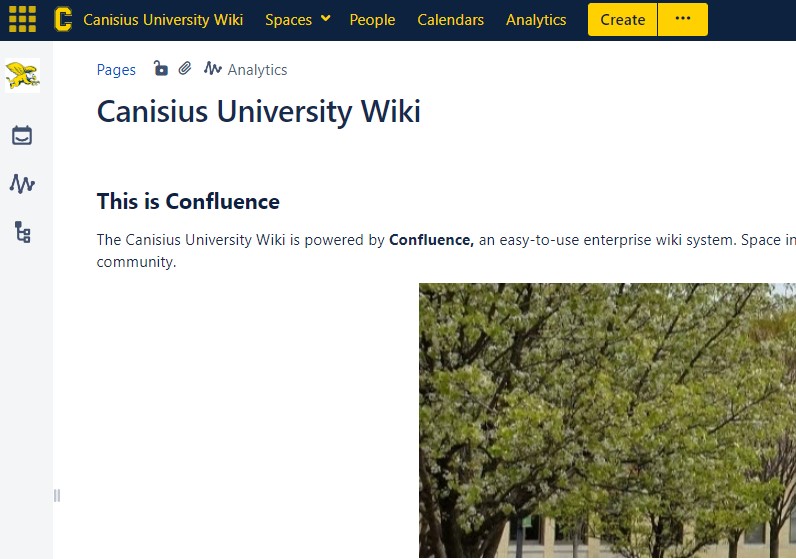
The Canisius University Wiki, a long-time host for policy and procedural documents, is getting a new look and feel as it moves to the Atlassian Cloud Platform. This is scheduled for Wednesday, February 28th, 2024, and will bring some improvements, but also some...

by Tyler Kron-Piatek | Feb 15, 2024 | Adjuncts, Faculty, Innovation, Online Learning, Students, Technology in Teaching & Learning
With midterms coming up, it may be useful to review these features of D2L Quizzes and Dropboxes. D2L Quizzes provides a robust tool to grade quizzes easier and quicker. Some features can help prevent cheating to a degree, like basic question...
by Mark Gallimore | Feb 6, 2024 | Adjuncts, Faculty, Innovation, Online Learning, Staff, Students, Technology in Teaching & Learning
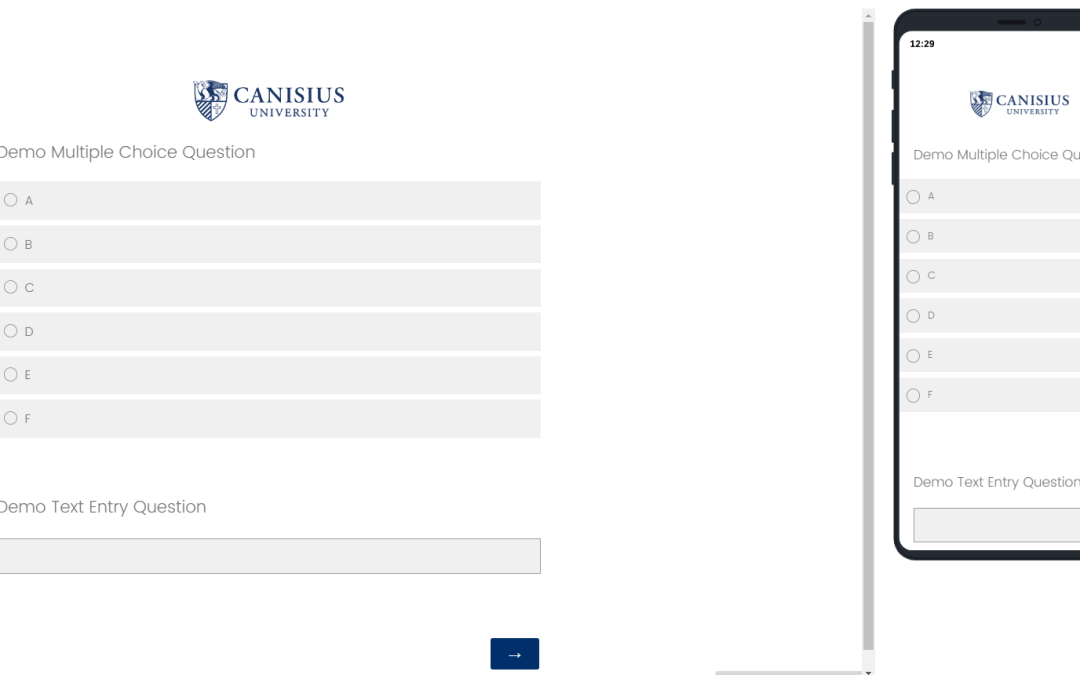
The default theme in Canisius Qualtrics has been updated! The theme applied to all new surveys features a simple white background, with a single-color blue logo for the university. With mild gray highlights for question options, and our Canisius blue as the primary...